AI tools for Shopify owners
Best AI tools for Shopify store owners who need content, photos, and faster testing
Shopify owners usually need AI for three jobs: creating product assets, improving product pages, and finding what to test next. This guide focuses on tools that can help a small ecommerce team move faster without losing brand control.
Disclosure: Some links may become affiliate links after partner approval. We still recommend tools based on practical fit, not commission size.
The AI stack we would start with
Shopify Magic
Best first stop for merchants who want AI inside the Shopify workflow, especially for product descriptions and simple content tasks.
Open Shopify Magic
ChatGPT
Useful for product-page outlines, FAQ blocks, ad angles, email ideas, and customer objection handling.
Open ChatGPT
Canva or PhotoRoom
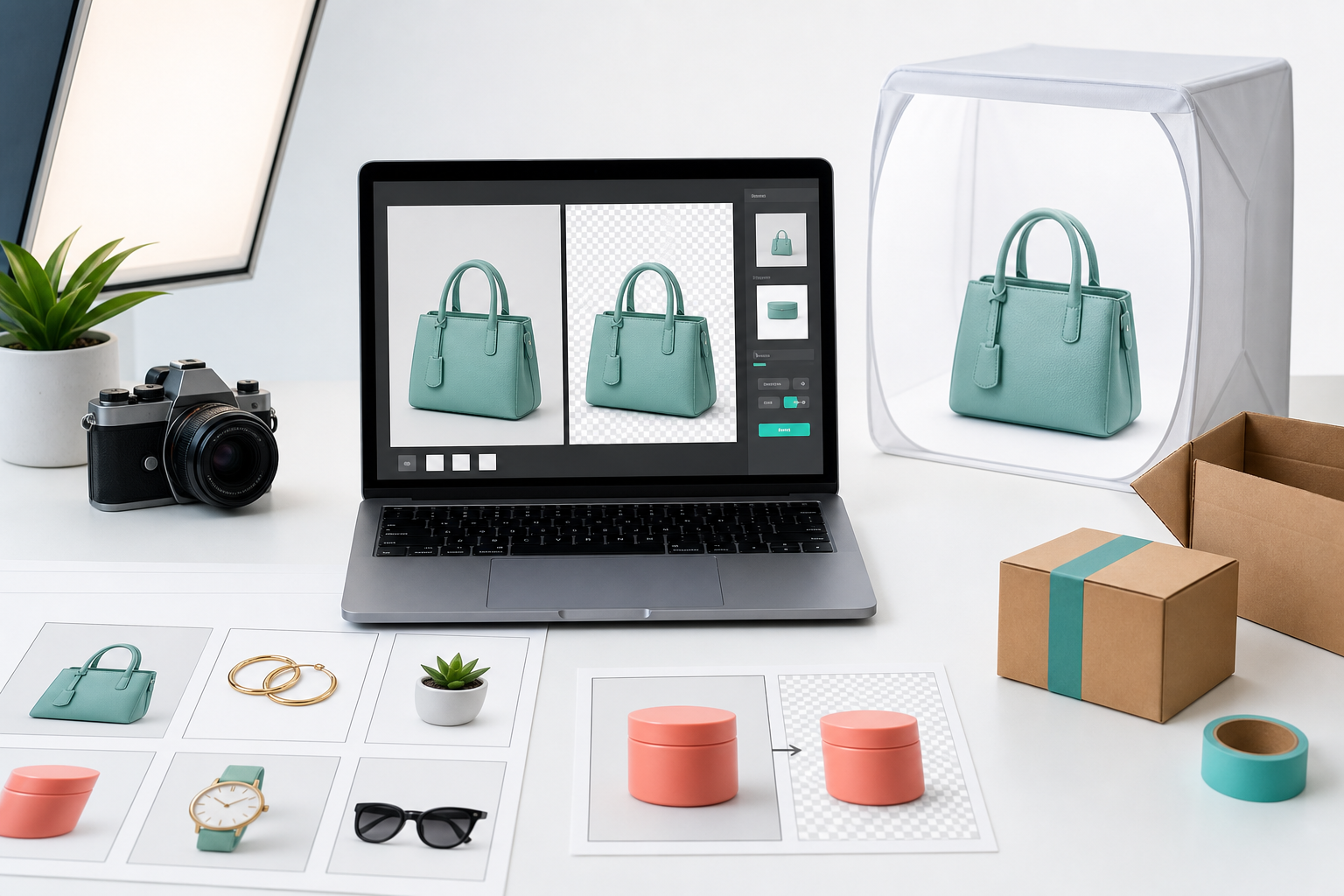
Good for product images, simple creative variations, seasonal graphics, and store visuals when you do not have a designer.
Open CanvaWhat each tool should do
| Need | Recommended tool type | Best output |
|---|---|---|
| Product page copy | Shopify Magic or ChatGPT | Clear descriptions, benefit bullets, FAQs, and meta description drafts. |
| Product images | PhotoRoom, Canva, or similar visual tools | Cleaner thumbnails, lifestyle concepts, and campaign graphics. |
| SEO and content planning | ChatGPT plus keyword research tools | Blog outlines, collection page ideas, internal link suggestions, and topic clusters. |
| Email and ad testing | ChatGPT or ecommerce marketing tools | Subject lines, ad hooks, product angles, and abandoned cart copy. |
Do not automate the wrong thing
AI can create more copy, but more copy is not always better. For Shopify stores, the biggest win is usually a clearer offer: better hero text, sharper product benefits, stronger image order, and answers to buyer objections. Use AI to draft options, then use your sales data to decide what deserves to stay.
- Keep product claims accurate.
- Use AI images as support, not a replacement for honest product photography.
- Track changes by page and date so you know what helped conversion.
- Build reusable prompts for your brand voice and product categories.
Best beginner workflow
- Choose one underperforming product page.
- Ask ChatGPT for 5 headline angles and 10 buyer objections.
- Rewrite the first 200 words of the product page around the strongest objection.
- Create 2 improved product images or comparison graphics.
- Update the meta title and meta description.
- Measure clicks, add-to-cart rate, and sales for at least two weeks.
Recommended next step
If you sell on both Shopify and Etsy, start with a shared prompt library. It will make your product voice consistent across both channels.
Use our product description workflow